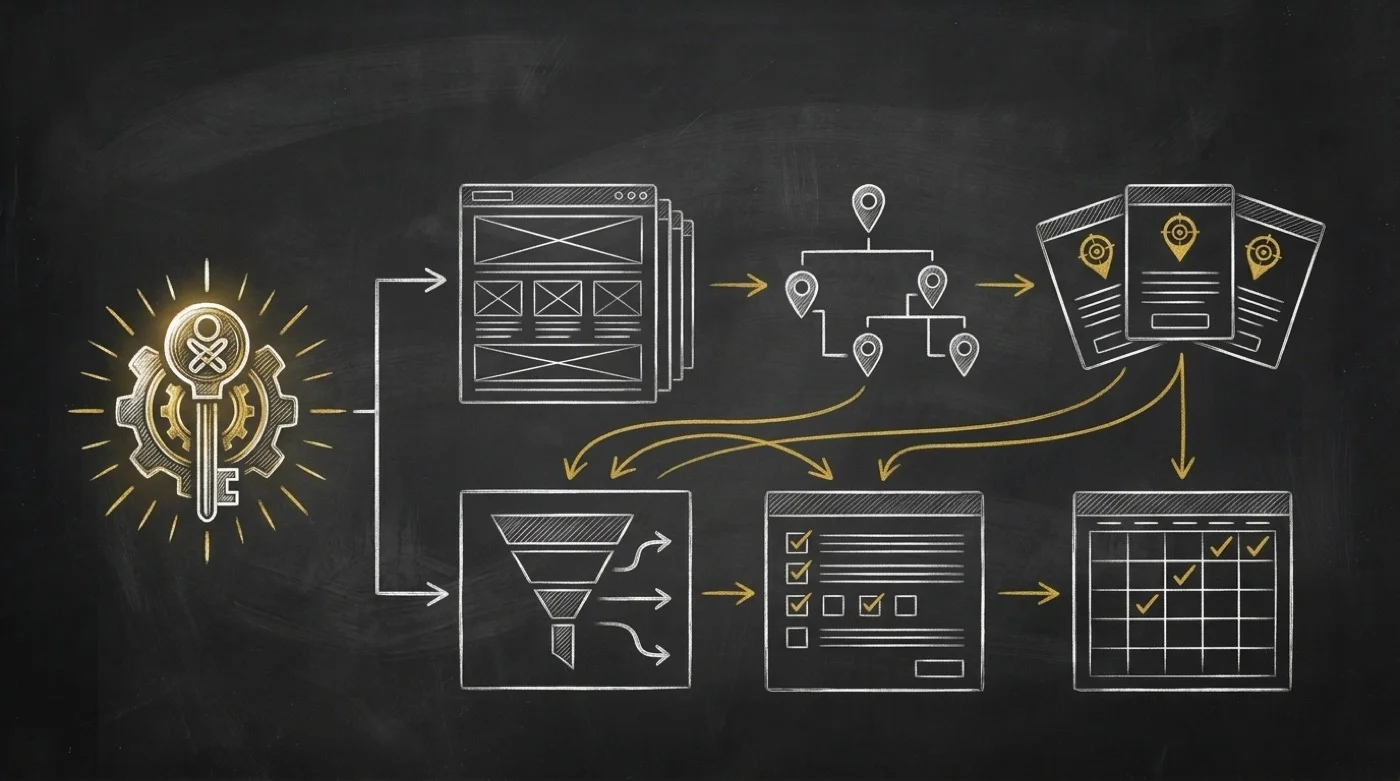

Every Monday morning used to steal my first hour. A new client brand signed over the weekend. A marketer started at nine. A Friday contractor wrapped up their sprint. Two fresh LLM provider keys needed connecting before my campaigns ran. I hated starting my week in settings menus. None of that work grew revenue. All of it slowed down the people who did.
I run multiple brands across SpiderIQ and OPVS. Each workspace carries its own profile, logo, and team roles. It also holds pending invites and private API keys. For months I faced the same two bad choices every growing agency faces. You can click through settings tabs yourself like an unpaid clerk. Or you can pay an operations coordinator to babysit seats and keys.

Honestly, I hated admitting what happened during my busiest weeks. I put those admin chores off. Nothing broke on Monday, so I left my settings tab open until Thursday.
Growing your company should not turn you into a part-time IT clerk.
When workspace housekeeping slips, three quiet failures stack up fast. Seven-day invitations expire before your new hire logs in. Former contractors keep active seats inside live client workspaces. Rushed updates hit the wrong brand. One mix-up between a client slug and an integer workspace ID stalls a run.

Why Account Admin Belongs in Chat, Except for Money
My turning point came from three products I trust on boundaries. Clerk Organizations separates org:admin mutations from read-only org:member seats. Invitations stay pending until the invitee accepts. WorkOS keeps daily membership work on the API. High-risk setup goes to a hosted Admin Portal instead. Stripe's Customer Portal lets software read plan status. Card and invoice changes stay human-in-the-loop.
That split gave me my exact design for @spideriq/workspace-skills on OPVS. Your agent should run routine SpiderIQ workspace setup straight from chat inside the brands you own. And it should stop cold at the billing door.
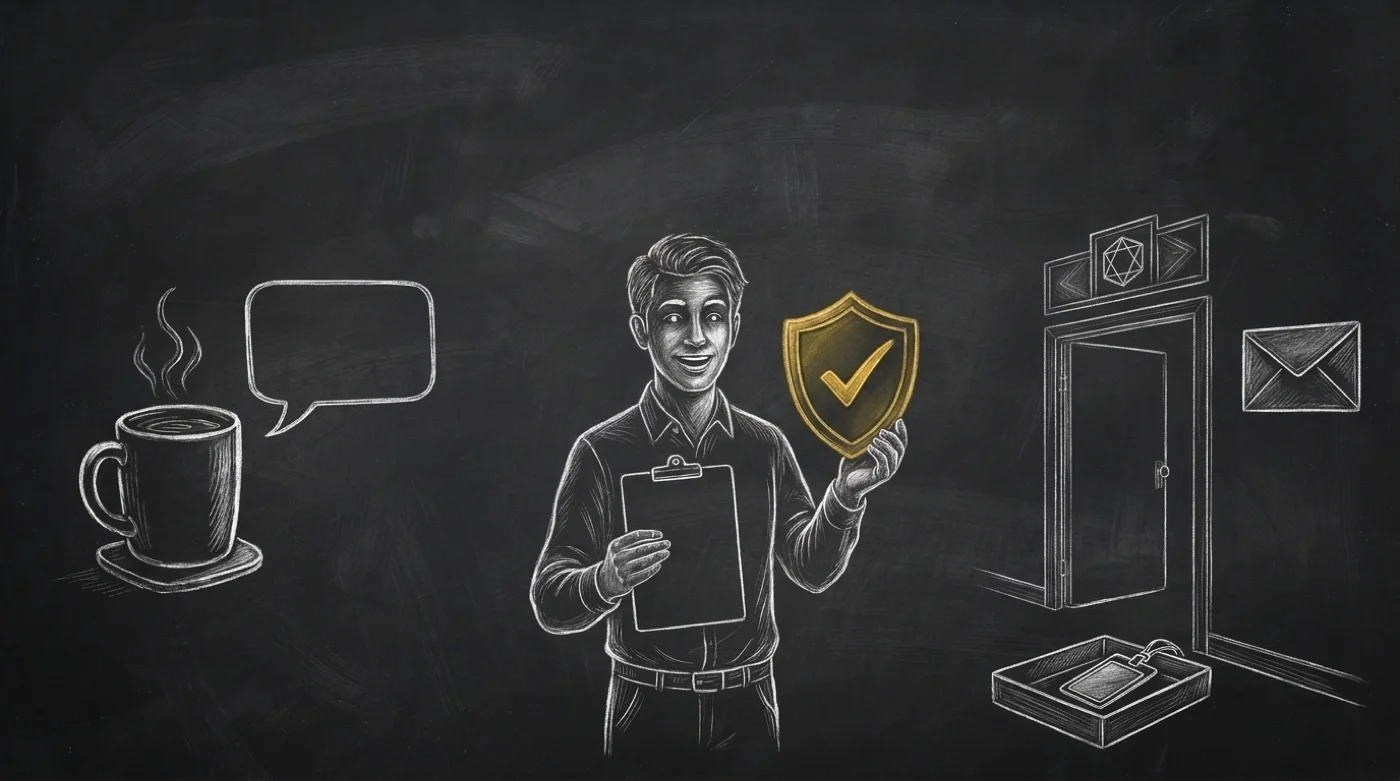
So I shipped that boundary as one client self-service skill named workspace. I wired 23 client-PAT methods against https://spideriq.ai/api/v1. Every request uses your own token. It touches only the brands where you hold membership. I gave it zero cross-tenant, fleet, or super-admin powers.
What Your Agent Runs Over Monday Coffee
Before firing any write, workspace runs a strict pre-flight check I enforce on every call. Your agent calls listBrands first to read two facts. First, it resolves the integer brand_id, never the public cli_ string. Second, it checks your membership_role on that brand. Only an owner or brand_admin may mutate a workspace. When a client_user seat asks for a write, my rule stops the agent before HTTP 403. Then it explains why in plain English.
Once that check clears, one chat prompt handles four Monday jobs for you:
Brands, profiles, and logos. Create a new brand workspace or rename an existing one. Merge settings and business profile fields without wiping sibling keys. Upload a brand logo (stored as WebP in R2) or delete an old mark.
Team seats and role changes. List active human members on a brand. Switch roles between
client_userandbrand_admin. Off-board finished contractors withremoveBrandMember. Server rules protect the brand owner from removal or demotion.Seven-day invitations. Send new invitations or cancel a mistaken invite. Resend expired links to reset the 7-day clock. Check pending invites addressed to you. Acceptance always happens inside the invitee's own signed-in session.
Brand-private AI provider keys. List, attach, test, and delete LLM keys for OpenRouter and Mistral. Each key stores
provider_name,credentials,key_label, and adaily_limitrequest cap. You also setbilling_mode(auto,subscription, orpaid) usinglistSubscriptionTiers.

Every key you add stays masked. My rule inside the skill is simple. Never echo api_key back into chat. Always run testIntegration right after creation so I know the key works live. Subscription and paid keys stay private to your brand.
Guardrails I Verified Before Opening the Card
I kept billing strictly read-and-redirect, matching Stripe and WorkOS. Zero client-PAT routes change a subscription, payment method, or invoice. Instead, your agent reads the subscription signal on getBrand. Then I have it hand you https://app.spideriq.ai/dashboard/plans. When SpiderIQ jobs pause on spend caps, I taught the skill to separate two HTTP codes. Code 429 means your 24-hour cost ceiling hit and resets at midnight UTC. Code 402 means your monthly spend cap hit and needs a portal update. Agent accounts stay in /dashboard/team.
Across v0.4.0 through v0.4.3, I hardened the edges that trip agents up in real workspaces. In v0.4.0, I added billing_mode and listSubscriptionTiers for isolated subscription keys. In v0.4.1, I matched createIntegration to the vault's exact field names and request-count daily_limit. In v0.4.2, I embedded my 57.8-second narrated chalkboard walkthrough on the listing. Now in v0.4.3, I added the four-panel visual card kit.
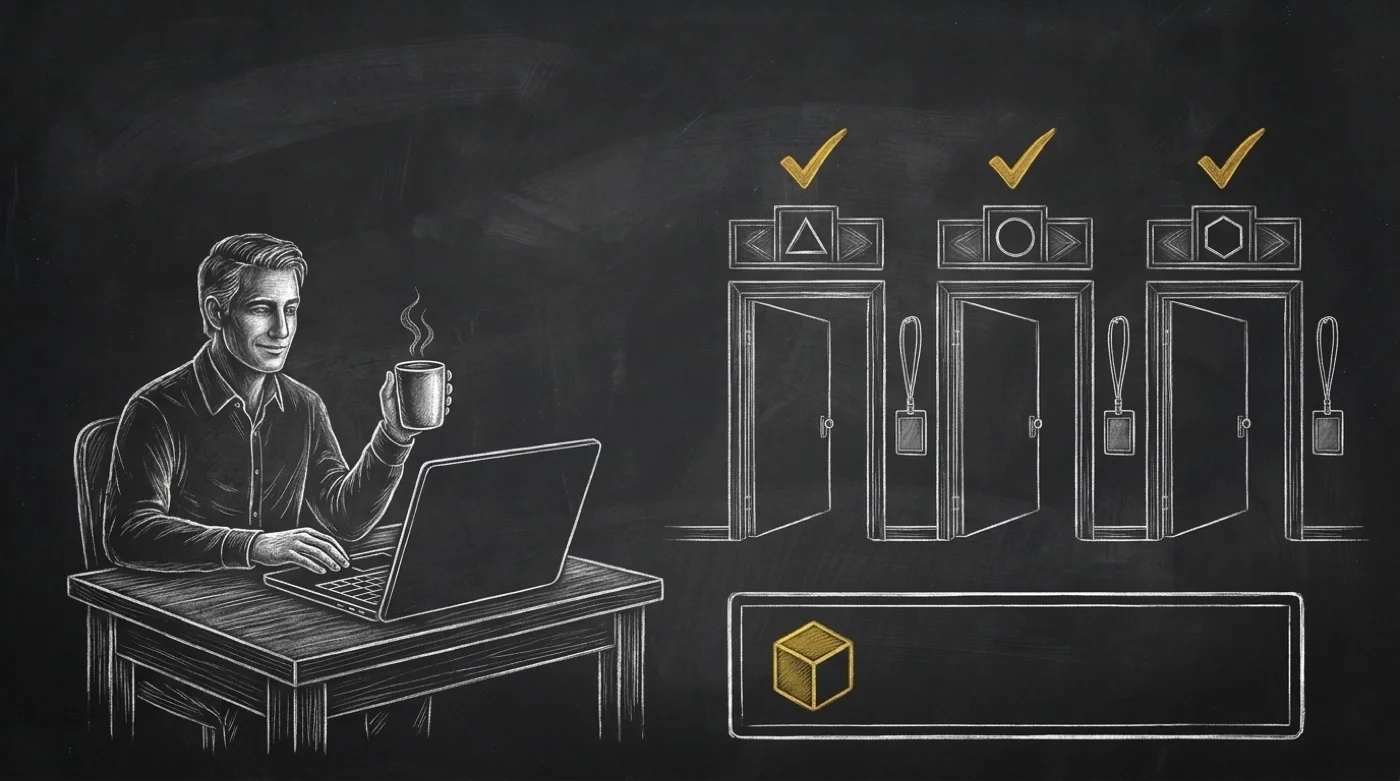
My Monday mornings feel calm now. One chat message sets up the new brand and invites the marketer. It removes Friday's contractor and tests my OpenRouter key too. My coffee is still hot. And my company card never leaves my pocket.
Watch my 57.8-second walkthrough first. Then install @spideriq/workspace-skills for your agent at opvs.ai/skills/workspace-skills.