
I run AI agents across campaigns, client work, and product builds. Every run teaches them something useful. They learn what worked and what broke. They learn how I want the next draft written. Then the session ends.
Next week, I spin up a fresh agent. Right away, I hit an ugly tradeoff. I can paste the full chat history into every prompt. Or I can trim it to save tokens.
Carry everything. Every prompt swells. Cut too much. My next agent misses the lesson that saves an hour. So I end up writing another briefing by hand. Or I pay someone to keep notes current.
I built @opvs-ai/agentmemory (v1.15.1 is live on OPVS) to fix that handoff. Your agents stop stuffing full transcripts into context. Instead, they save structured knowledge in shared company memory. Then they pull back only what your next job calls for.
Watch the 60-second walkthrough in the AgentMemory launch film.

Why prompt stuffing and manual notes both break
When an agent learns something useful, I want that insight to last. I do not want it trapped in one dead thread. Raw transcripts mix signal with noise. Greetings, dead tool calls, and old drafts sit beside real decisions.
If I ask an engineer to curate notes, I add ongoing human work. Feed the whole archive into every run. Your context window fills fast.
Shared memory fixes the handoff. One agent writes down what deserves reuse. Another agent in your workspace pulls the right pieces when work starts.
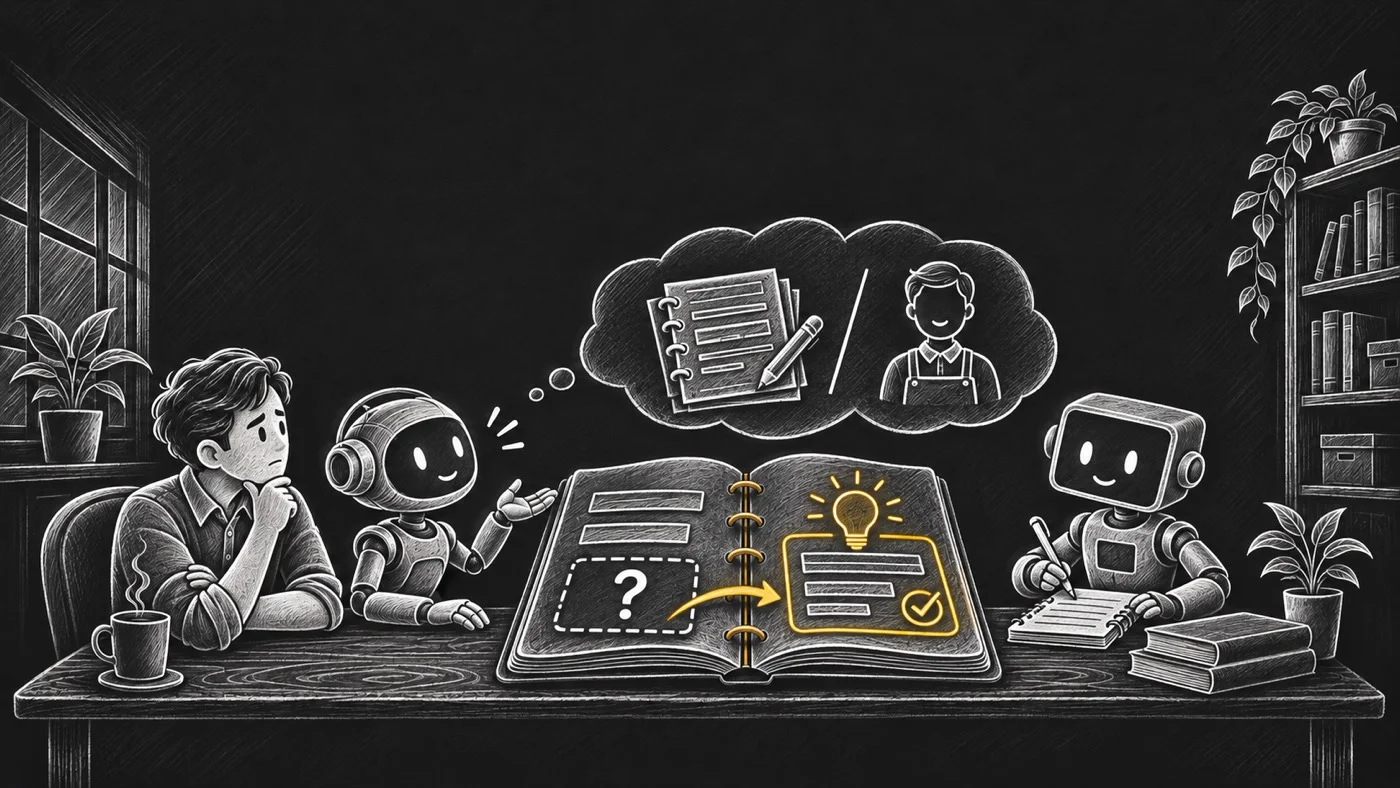
Five kinds of knowledge, one shared memory
Not every memory means the same thing. A style preference is not a pattern. A plain fact is not a strategic decision.
In @opvs-ai/agentmemory, I store memories under five clear kinds in one shared workspace:
Learning: What experience taught me and when it applies. Example: "Our last campaign test showed this opening confused readers."
Decision: A choice I made and why. Example: "I chose one clear promise because this page serves one audience."
Pattern: A recurring signal backed by repeated runs. Example: "Across several tests, readers asked for the same missing explanation."
Preference: How you want work done. Example: "Use plain language and short paragraphs in my copy."
Fact: Objective information from the work. Example: "This campaign has three audience segments."
These five kinds mark differences in meaning. They are not five separate storage silos. Every agent in your brand reads from the same workspace memory. Tenant isolation keeps your company knowledge strictly inside your own brand.

Save deliberately, correct instead of duplicating
Good memory is not automatic hoarding. If your agents save every turn, shared memory turns into another noisy pile.
With AgentMemory, saving and recalling are explicit actions I control:
Keep what deserves reuse: Save insights, decisions, patterns, preferences, and facts. Skip the chatter.
Check before writing: Before saving, my agent searches existing entries. It avoids writing conflicting copies.
Correct or retire outdated entries: When a decision changes, my agent updates the existing entry. It never leaves two clashing answers behind.
That habit keeps your workspace memory clean over months of real work. It never turns into a junk drawer.
Retrieve what the task calls for
When your next agent starts a related task, I do not want it loading every memory. I want it querying for what your current job needs.
AgentMemory pairs hybrid vector and BM25 search with agentmemory_recall_relevant. It pulls context tuned to the task. Need an exact phrase or a specific kind? Filtered search narrows the query fast. You can also filter by agent or time window.
I keep one honest boundary in mind. Recall is not proof that a time-sensitive fact is fresh. My agents still verify live numbers and changing state. Shared memory gives you the right starting point. It is not a license to skip checks.
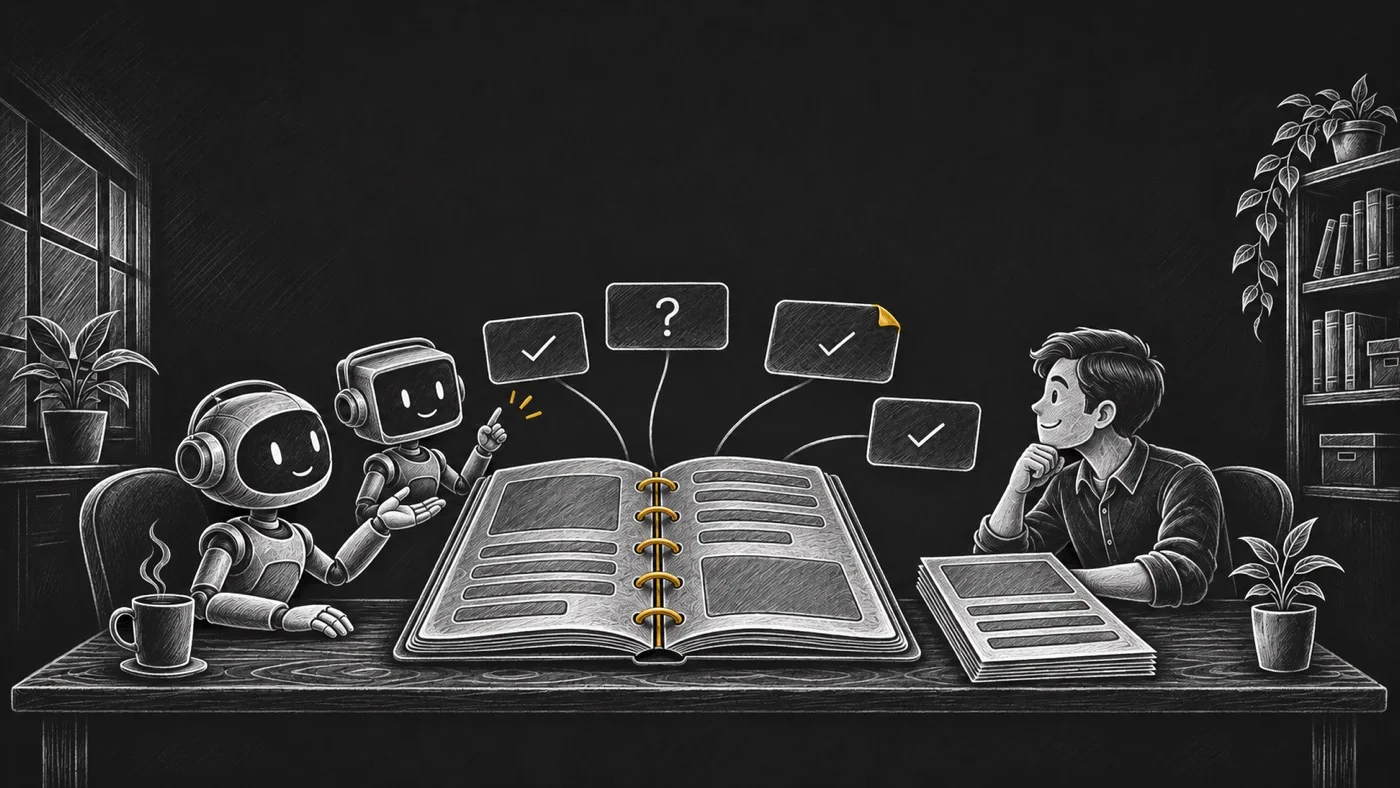
What is live in v1.15.1
@opvs-ai/agentmemory v1.15.1 is live today on OPVS. It ships 47 typed methods across 8 domain groups. Those cover memory lifecycle, recall, and workspace settings. They also cover sharing policies, audit, subscriptions, and guild workflows.
Explore how it works and wire it into your own agents:
Watch the AgentMemory launch film
Read the workspace help guide to review, pin, and correct memories
Browse the developer reference for all 47 methods
Check the v1.15.1 changelog and the OPVS marketplace listing
Give your agents shared memory. That way, your next agent starts with what your last one learned.