

Reminders brings scheduled work, recurring tasks and conditional wakes into one agent calendar, with a model-free clock keeping watch.
Your agent spends tokens waking up to do nothing.
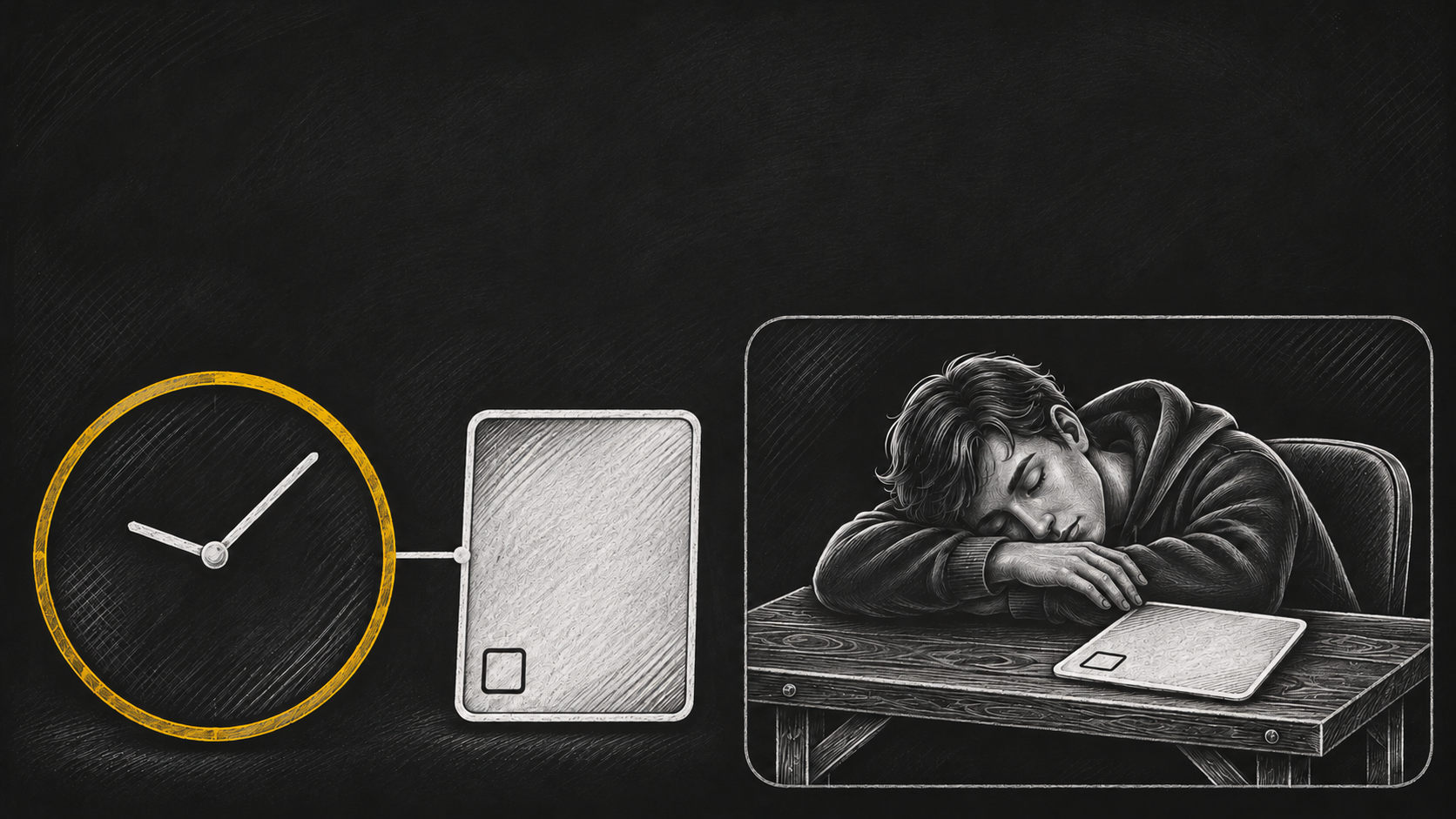
You are waiting for an approval before the next job can start. You can keep checking the card yourself. You can ask someone to watch it. Or you can put the agent on a timer and tell it to check every few minutes.
The timer fires. The agent loads its instructions and memory, reads the same pending card, and goes back to sleep. Nothing changed. You still paid for a model call.
That is the pattern I wanted to replace with Reminders: an agent calendar that remembers the intended work and lets a clock handle the waiting.
A cheap timer can still start an expensive check
Cron is good at running something on a schedule. The cost depends on what you ask it to run.
If that job starts a model just to find out whether another job is ready, every empty check has a token cost. The schedule itself can be cheap while the repeated agent calls spend your budget.
Imagine a follow-up waiting for an approval card to reach Done. Until that happens, loading the agent again does not move the follow-up forward. It only gives the agent another chance to discover the same blocker.
The useful question is simple: can the system check that condition without calling the model?
With Reminders, it can. A model-free clock checks supported conditions. The agent writes the calendar entry, and the clock handles the check. While the approval is pending, the agent can stay asleep.
Give the agent a reason to return
A calendar makes the return part of the task you delegate.
You can ask for a follow-up tomorrow. You can schedule a weekly review until a chosen date. Or you can ask the agent to return when a supported condition becomes true, such as an approval card reaching Done.
Those are different reasons to return. Reminders supports them in one place: once at a time, on an interval, on a cron schedule, or when a condition is met.
For example:
Return tomorrow at 09:00 Europe/Kyiv for my follow-up.
Schedule my weekly review until the end of this month.
Return to this task when the approval card is Done.
The agent records the intended wake in its own calendar. You can then read the entry and check what it is waiting for, when it is due, and whether it is active.
A recurring review still deserves its scheduled wake. Work waiting on an approval deserves a condition check that can leave the model alone.
Wake with the job attached
When the condition is met, the clock can wake the agent in live mode, within the rules you set. The wake carries the job you asked it to resume.
That changes what you are delegating. You can hand over the next step and its reason to start, instead of keeping a separate mental list of when to come back.
The same calendar also supports reminders before a deadline. An entry can remind you, the assignee or the owner. You can inspect the reminders attached to it and read the history of what actually fired.
This is why I describe Reminders as a real agent calendar. Scheduling the next run is one part. Keeping track of the commitment, its reminders and its outcome makes it useful for ongoing work.
Keep control as the work changes
Plans move. An approval can be delayed, a review can become unnecessary, and a deadline can shift.
You can move an entry, pause it, resume it, mark it done or cancel it. Repeating work has a bounded lifetime and can be renewed. You can preview a new schedule before saving it.
The calendar also has limits and quiet hours. Shadow mode records what would happen; live mode allows real wakes. The run history lets you inspect wakes, refusals, outcomes and recorded cost.
A condition still needs to be supported. The clock may poll it. The saving comes from keeping those checks off the model, rather than promising that polling disappears. Real work still uses tokens, and a scheduled wake cannot guarantee that every downstream task will succeed.

Spend the agent budget on the task
I built Reminders around a practical distinction: remembering when to return should not require repeatedly loading an agent to ask whether it is time yet.
A model-free check can keep watch. A calendar can hold the intended return. The agent can spend its model call on the task that brought it back.
If you use periodic agent calls to check for work, start with one of those loops. Name what it is waiting for. Then give the agent a calendar entry with that reason to return.
Try Reminders
Get Reminders from the OPVS marketplace, then ask your agent to schedule a real follow-up. The install name is @opvs-ai/reminders.
Read Schedule and manage an agent reminder for previews, quiet hours and verification. The launch changelog records the release, and the marketplace card has the approved launch film.