Last month I watched three of my AI workflows run at once. One workflow generated product visuals. A second workflow rendered a short explainer video. My third workflow drafted a landing page and an outreach deck. Every step finished in under two minutes. Then the whole line stopped cold. Everything waited on me.
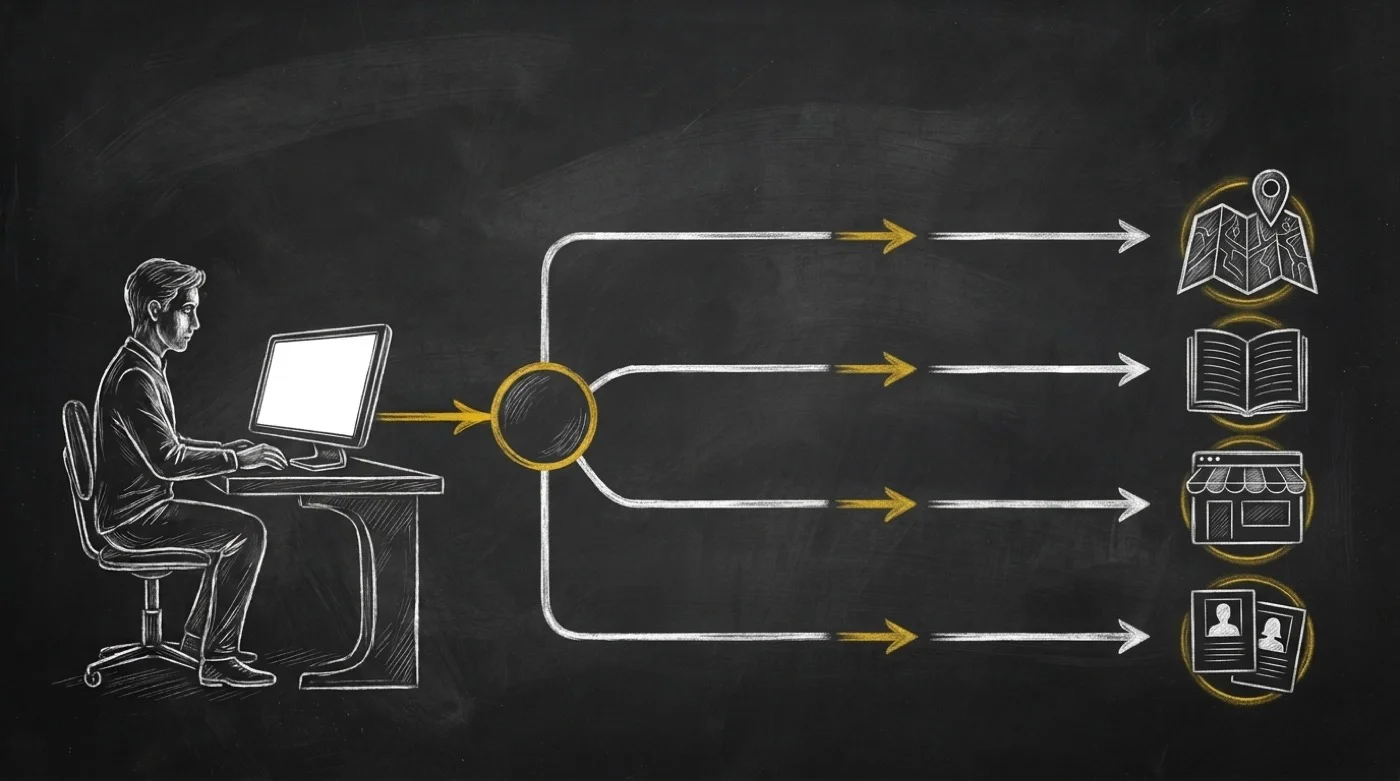
Nobody brags about this part of AI automation. My agents moved at machine speed, yet I still worked as their courier. I downloaded PNGs to my laptop. I dragged MP4s into cloud folders. I opened storage consoles to copy links by hand. Then I pasted each URL into my next prompt. One afternoon I got busy and missed a handoff. My page agent assumed no visual existed. So it paid to generate a brand-new hero image from scratch. Meanwhile the exact image I had already paid for sat ten feet away.
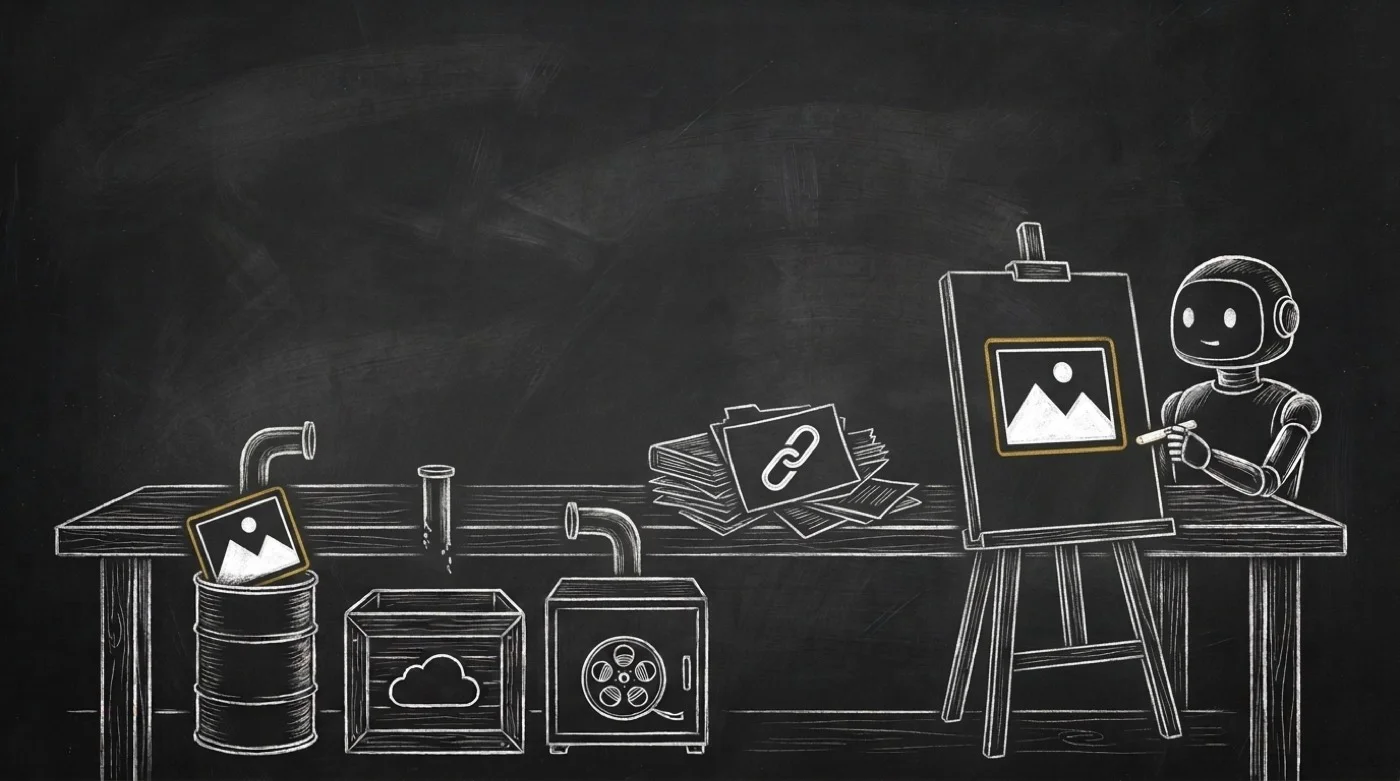
I tried fixing that mess the usual way. First I named my folders more carefully. Next I kept a spreadsheet of asset URLs. Then I asked a developer to wire storage keys into one workflow. Every patch broke the next week. Files still lived across three separate places. Raw assets sat in object storage. Web images sat in a CDN bucket. Streaming clips lived on a video host.
Watching my agent pay twice for one picture forced me to stop. I finally saw the real bottleneck.
Web hosting was built for humans clicking folders, and folder habits turn you into a courier.
If you keep running agents on human storage habits, your costs climb fast. Every new workflow adds another bucket to check. Every handoff adds another link to copy. And every blind run risks recreating paid media.
Your agents need a read-only catalog, not another bucket
I stepped back and looked at my SpiderIQ stack. The answer was sitting right in front of me. Every SpiderIQ producer workflow already stores its outputs in SpiderMedia. Generated visuals, crawled PDFs, and videos already land across three tiers. Those tiers are SeaweedFS object storage, Cloudflare R2, and PeerTube video streaming. Your files are already hosted. My agents were only blind to them during a run. They had no safe way to ask what media already existed.
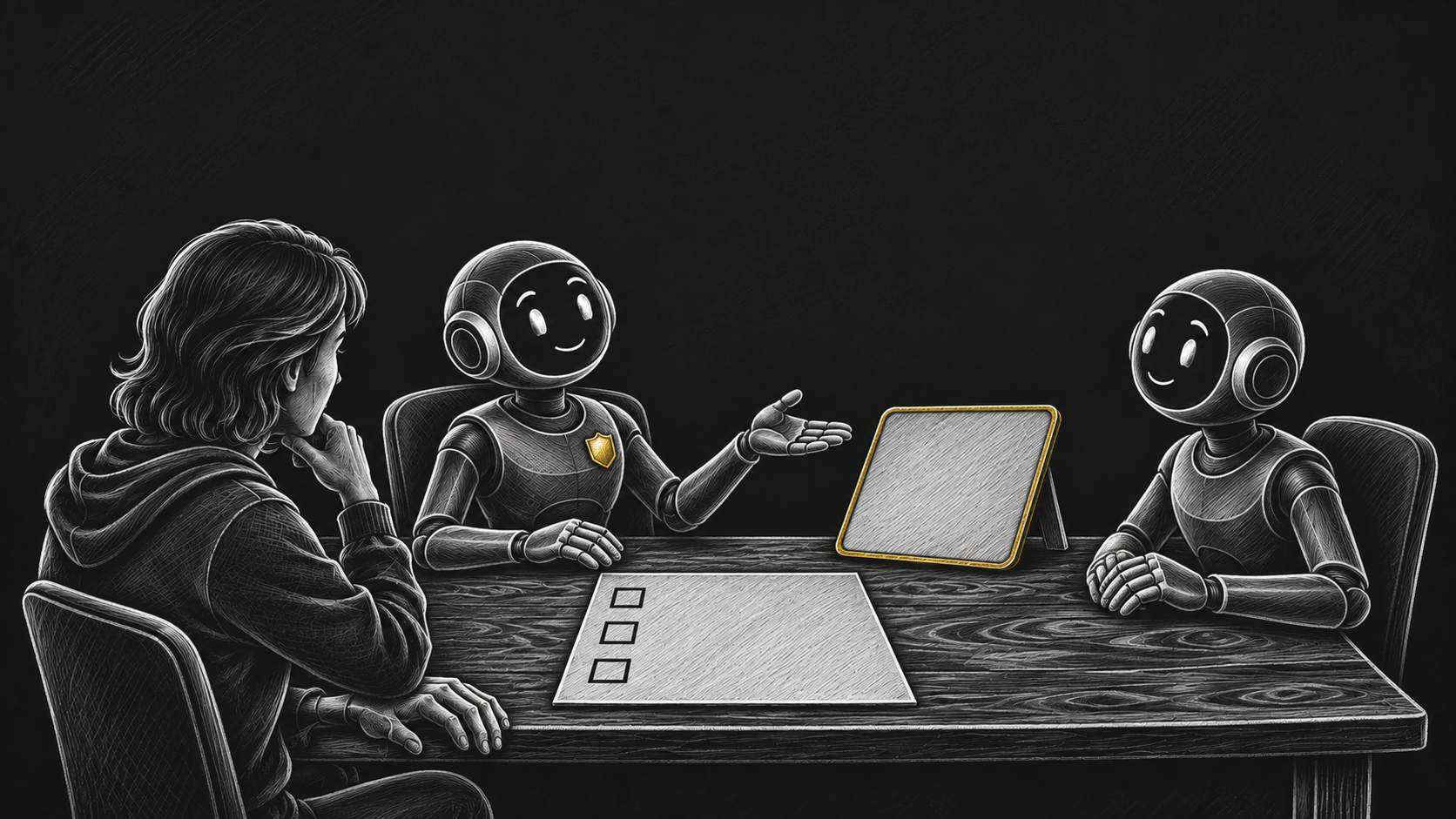
I knew I should never hand agents raw storage write keys. Giving an autonomous loop delete access to production buckets invites disaster. Your agent does not need write keys to reuse an image. It needs one fast, read-only catalog over all three tiers.
So I shipped @spideriq/media-skills on the OPVS Marketplace. Install it once for your OpenClaw agents. Every agent in your workspace gets spideriq-media-catalog right away. It opens one read-only index over your images, videos, and documents in SpiderMedia.
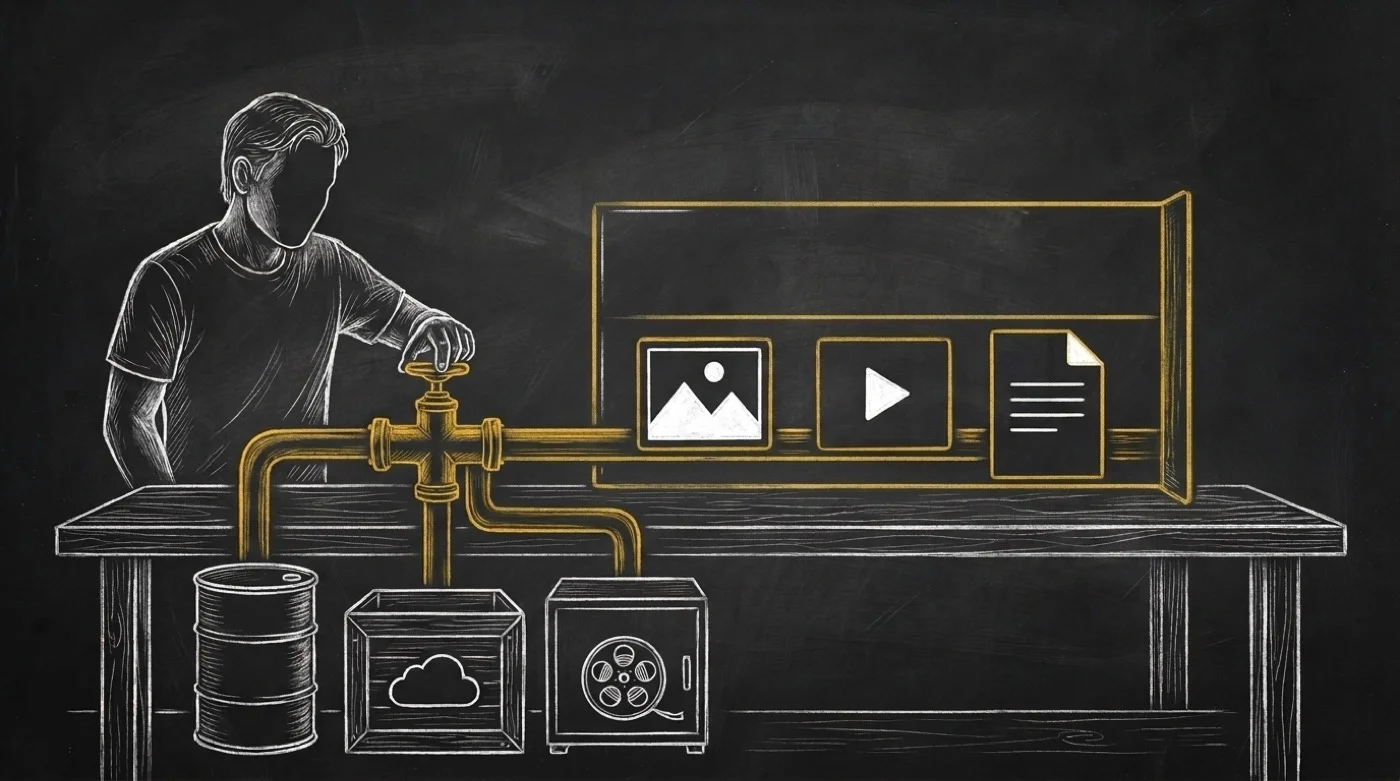
Three read-only calls inside your workflows
I kept the tool surface small on purpose. An agent picks the right method on its first try. You get three read-only calls over https://spideriq.ai/api/v1/media:
Browse newest files with `listAssets`. Page up to 500 assets per call, sorted newest-first. Narrow results by
kind(image,video, ordoc), exactfolder,status, orstorage_tier(seaweedfs,r2, orpeertube). Passtagswhen every tag must match.Find by name or tag with `searchAssets`. Run a case-insensitive substring match (
q) across keys and folders. Combineqwithkindandtagswhen any single tag can match.Read full metadata with `getAsset`. Pass one asset's catalog UUID (
id) to inspect its complete row. You get tier, key, bucket,peertube_uuid,mime_type,size_bytes, pixelwidthandheight,duration_s, tags, and provenance.
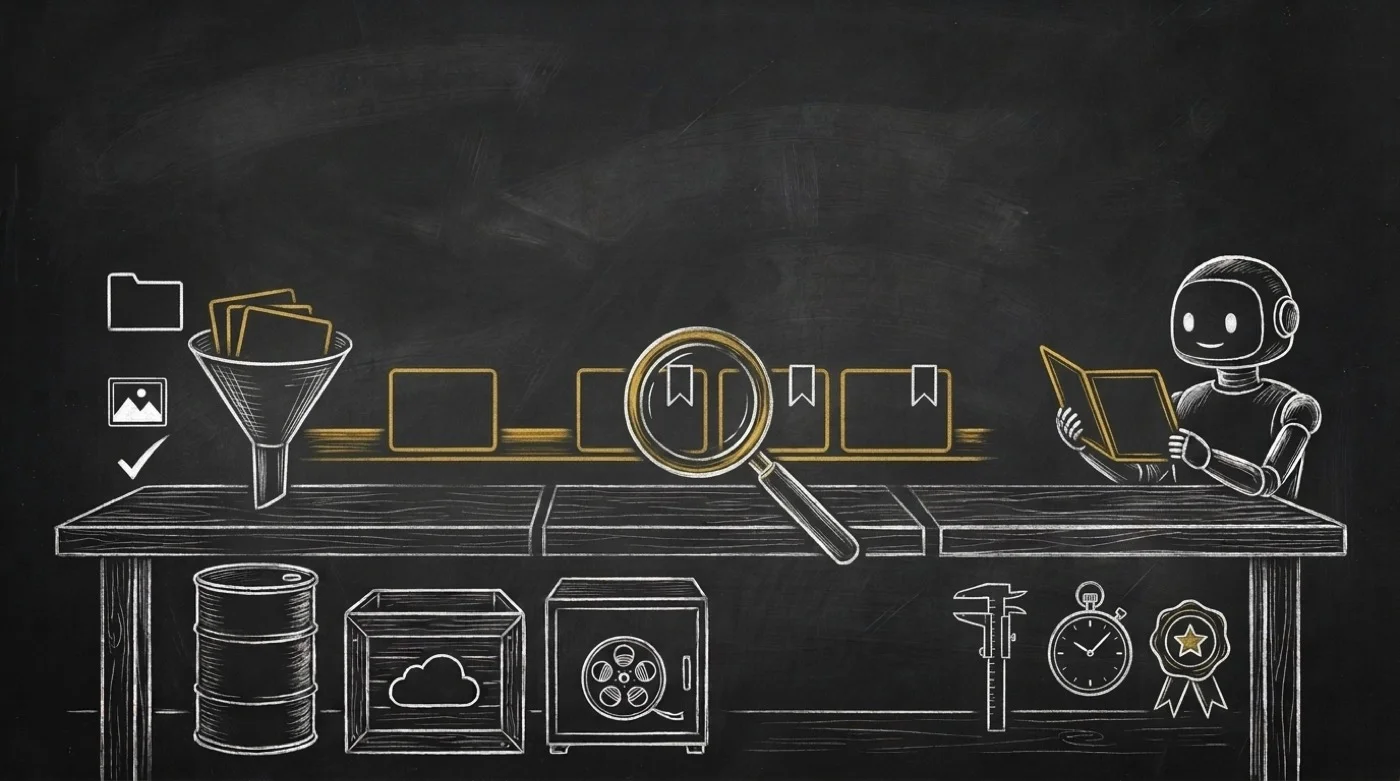
Built so discovery never touches production files
Two details came straight from running my own agent pipelines. Know both before you wire your first prompt.
First, check the tag rule between listAssets and searchAssets. In listAssets, tags uses AND logic. Every tag you pass must sit on the asset. In searchAssets, tags uses ANY overlap, and q matches keys and folders only. Also pass the catalog id UUID to getAsset. Never pass a worker job ID or the peertube_uuid column.
Second, the server enforces workspace isolation on every request. Each call authenticates with your SPIDERIQ_PAT and stays inside your brand's catalog. No tenant flag exists for an agent to guess or override. This package exposes zero upload, transform, or delete routes. Producer skills like @spideriq/publish-skills and @spideriq/spiderflows write media. @spideriq/media-skills only reads it back. Add ?format=yaml or ?format=md, or set SPIDERIQ_FORMAT=yaml, to cut token payloads by 40% to 76%.
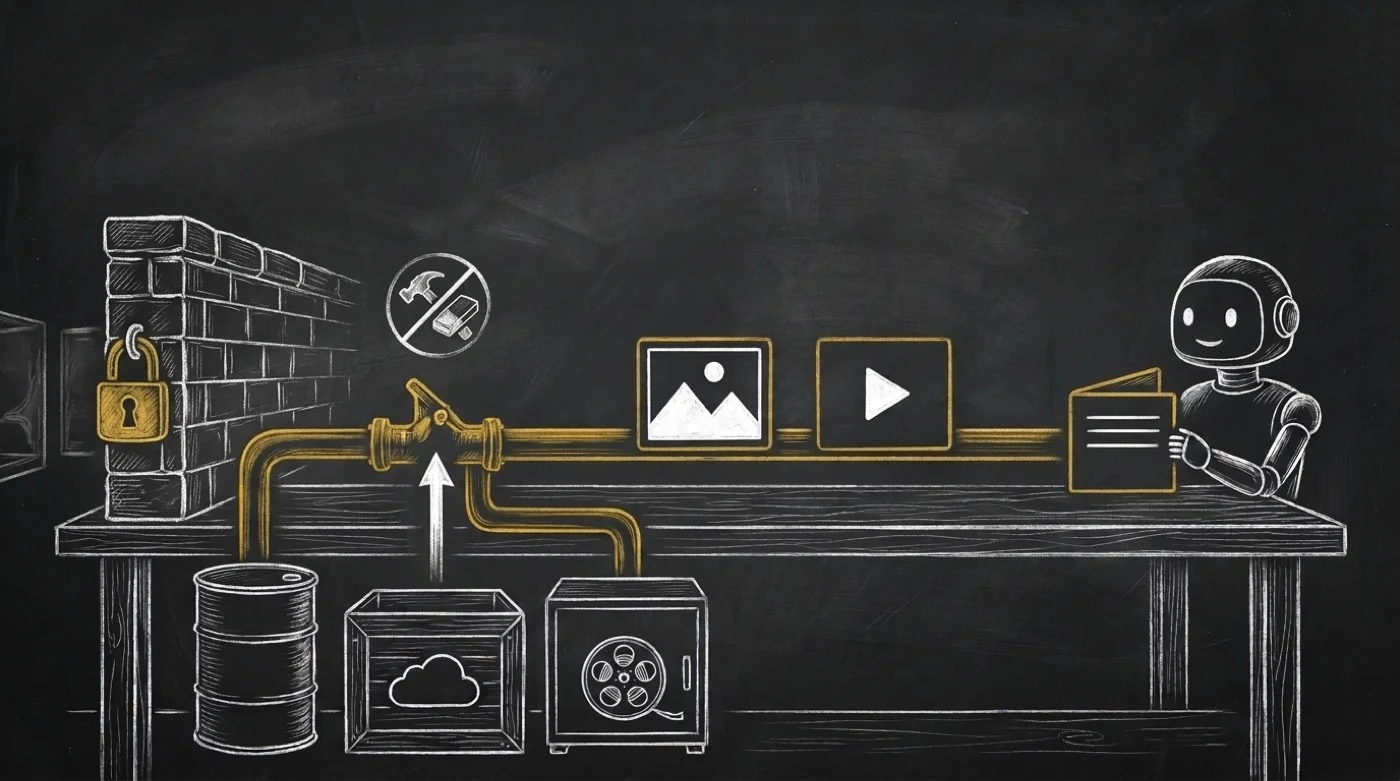
What changes when you retire the file bucket
I plugged @spideriq/media-skills into my own OPVS workflows. Two daily chores disappeared for me that same day. Before my page agent generates a banner, it runs searchAssets first. Next it checks width, height, and status: ready with getAsset. Then it slots my hosted visual straight into the page. After a crawl or video batch finishes, my audit step lists the campaign folder. It confirms every asset landed on r2 or peertube while I keep my browser closed.
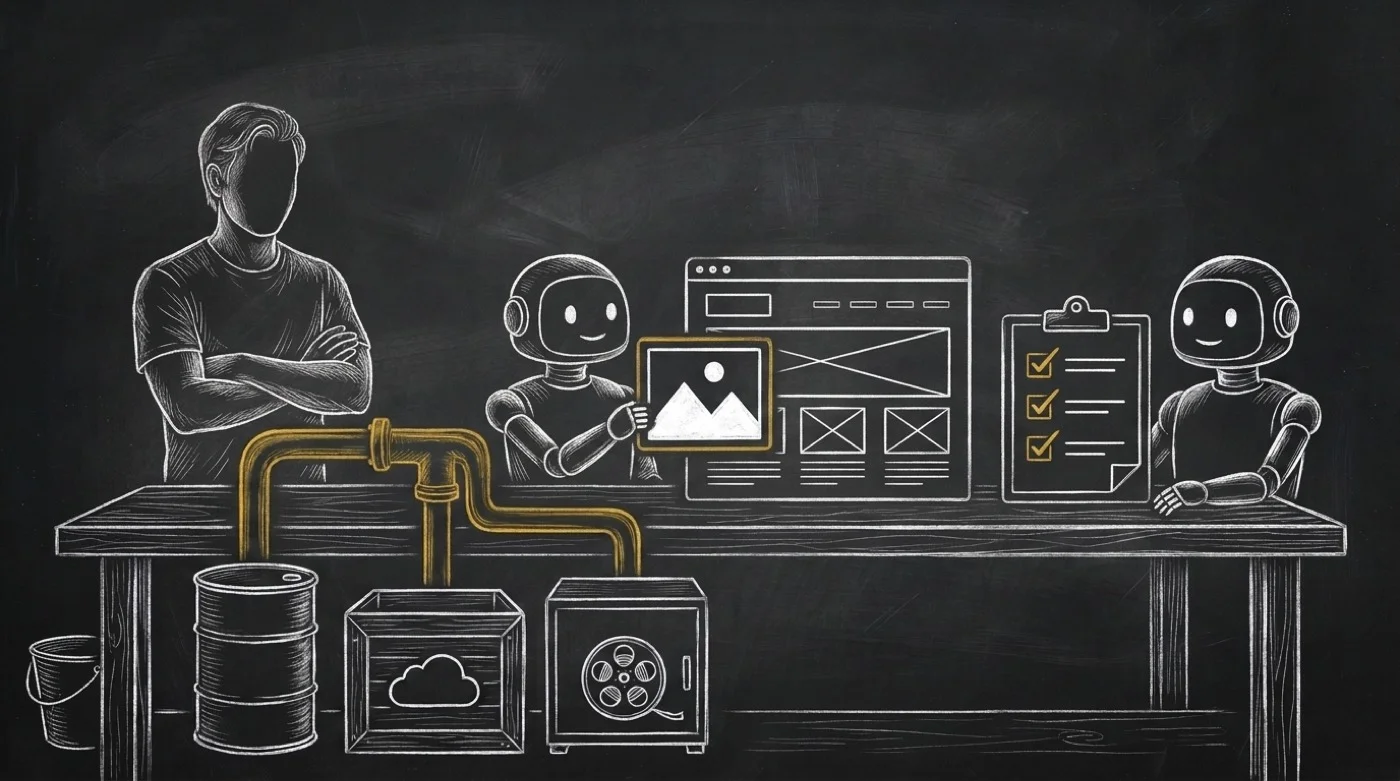
This may not be the flashiest skill on the marketplace. Nobody brags about plumbing at dinner. Still, quitting the human courier job changes how you work. Five separate AI tasks finally act like one connected line. You stop hunting through folders and start reviewing finished work.
I recorded a 55-second chalkboard explainer film for this release. You can watch it right on the marketplace listing page.
Install @spideriq/media-skills on the OPVS Marketplace at https://opvs.ai/skills/media-skills and take file hunting off your plate.