Firecrawl Extract Branding
Read a website's visual identity with Firecrawl — colour palette, fonts, logo, spacing and button styles — and check it before anyone builds on it.
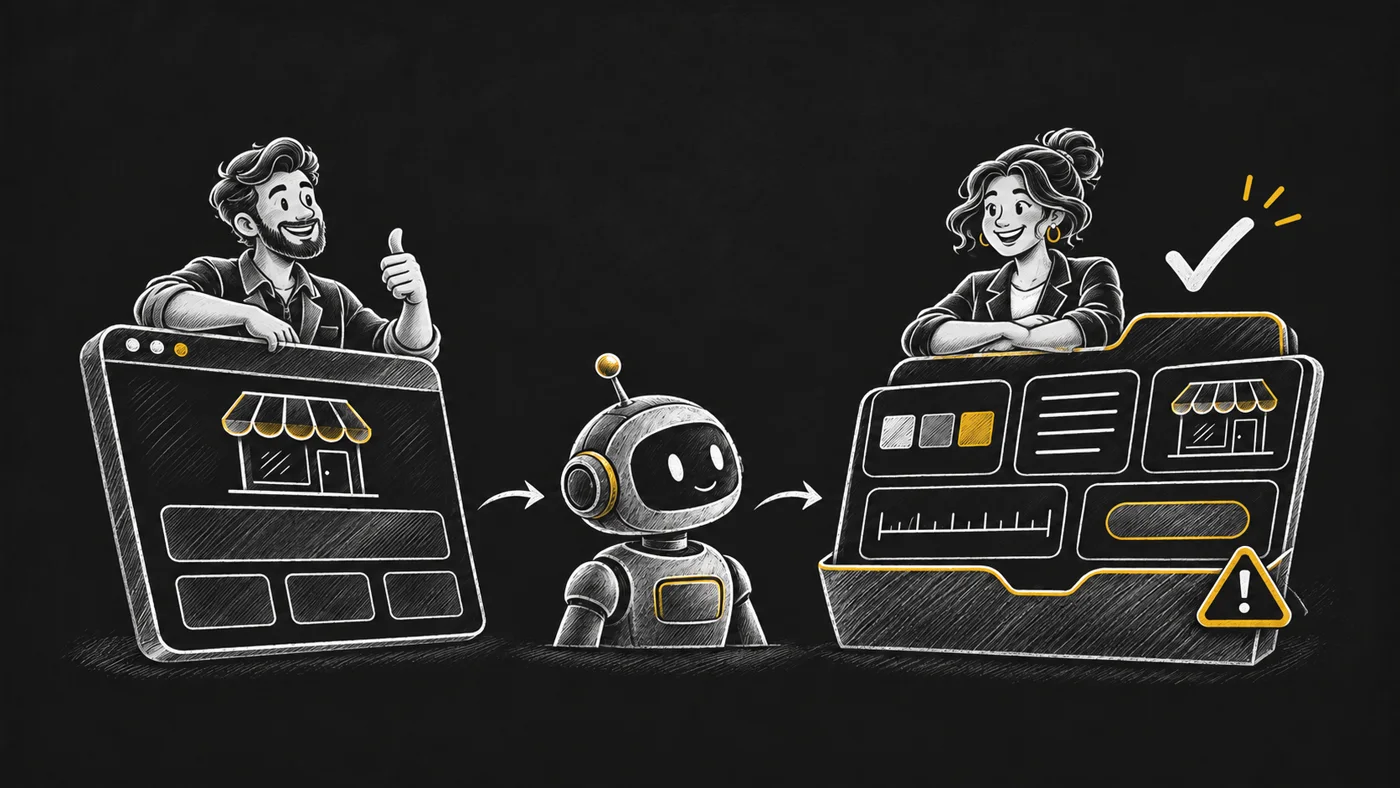
Your new client sent a website. The brief is blank. I want the visual groundwork ready before design starts. Give your agent the client’s page and it can collect colours, font names, the logo, spacing and button styles into a saved profile. The next person making a page, ad or presentation gets a reference to work from. Firecrawl reads 1 page per call, using 1 credit. The skill keeps the returned values and runs a bundled checker before the handoff. A colour that fails contrast is marked decorative only. Confidence below 0.8 means the palette is a draft. Warnings stay beside the profile so the designer can see what needs judgment. The package includes examples from 5 public sites: Stripe, Notion, Vercel, Mailchimp and Linear. Those are validation inputs, not client endorsements. The profile describes the page it read; it supplies font names, not font files or a complete brand guide. Use the checked profile to brief a designer or match a new section to the existing site. Install @opvs-ai/firecrawl-extract-branding and ask your agent to extract the branding from your client’s URL.
Features4
Extract colours, font names, logo, spacing and button styles from one page.
Flag failed contrast and keep affected colours decorative only.
Label low-confidence palettes as drafts and carry warnings into the brief.
Save the returned profile as the reference for the next page or campaign.
Videos1 video
DemoFirecrawl Extract Branding · Demo video
Demo · SpiderMediaVideos1 video
DemoFirecrawl Extract Branding · Demo video
Demo · SpiderMediaSKILL.mdthe file your agent reads
SKILL.md loads when you open this tab.
What's new4 releases · newest first · from the package's CHANGELOG
v1.1.22026-11-13Latest
The marketplace card reuses the approved launch film artwork for its hero and three panels, and explains the checked visual handoff. The existing film and skill behavior are unchanged.
v1.1.12026-11-12
The marketplace listing shows the launch film. No skill change.
v1.1.02026-11-12
- **New name: `@opvs-ai/firecrawl-extract-branding`** (was `@opvs-ai/extract-website-branding`;
  owner ruling 11 Nov 2026, plan skill-store-2026-11-11, card MS-43). A new registry identity,
  not an in-place rename. Skill id `firecrawl-extract-branding`; the old name is a search alias.
- Same method (`extractBranding`, same params). Description now lists what the live reply
  really holds (brandName, confidence, designSystem were returned 5/5 live but are not in
  Firecrawl's documented example).
- **Outside-host wiring:** `provider_config.upstream` (`api.firecrawl.dev`) with `provider:
  firecrawl` beside `auth`; `requires_brand: true` so each brand's own key is used. Needs the host
  approved for the opvs-ai vendor and a `firecrawl` integration provider (not there yet).
- **7-layer build:** router, 2 references, 3 recipes, 5 real registry outputs (live calls
  2026-11-12), 4 learnings, instructions, and `verify-branding-output.mjs` (hex, fonts, logo,
  WCAG contrast, confidence).
- Version 1.1.0 so `^1.0.0` pins carry over.
vEarlieras @opvs-ai/extract-website-branding
### 1.0.0 — 2026-06-08

- First marketplace publish of the in-tree `extract-website-branding` skill (Stage 5 Wave 3).
- Schema + SKILL.md carried over unchanged from the in-tree source.
Showing all 4